A good recording often contains more useful material than its title suggests: a clear explanation, a customer question, or an example that deserves its own article. AI can help uncover those pieces. It cannot decide for you whether they are accurate, relevant, or worth publishing.
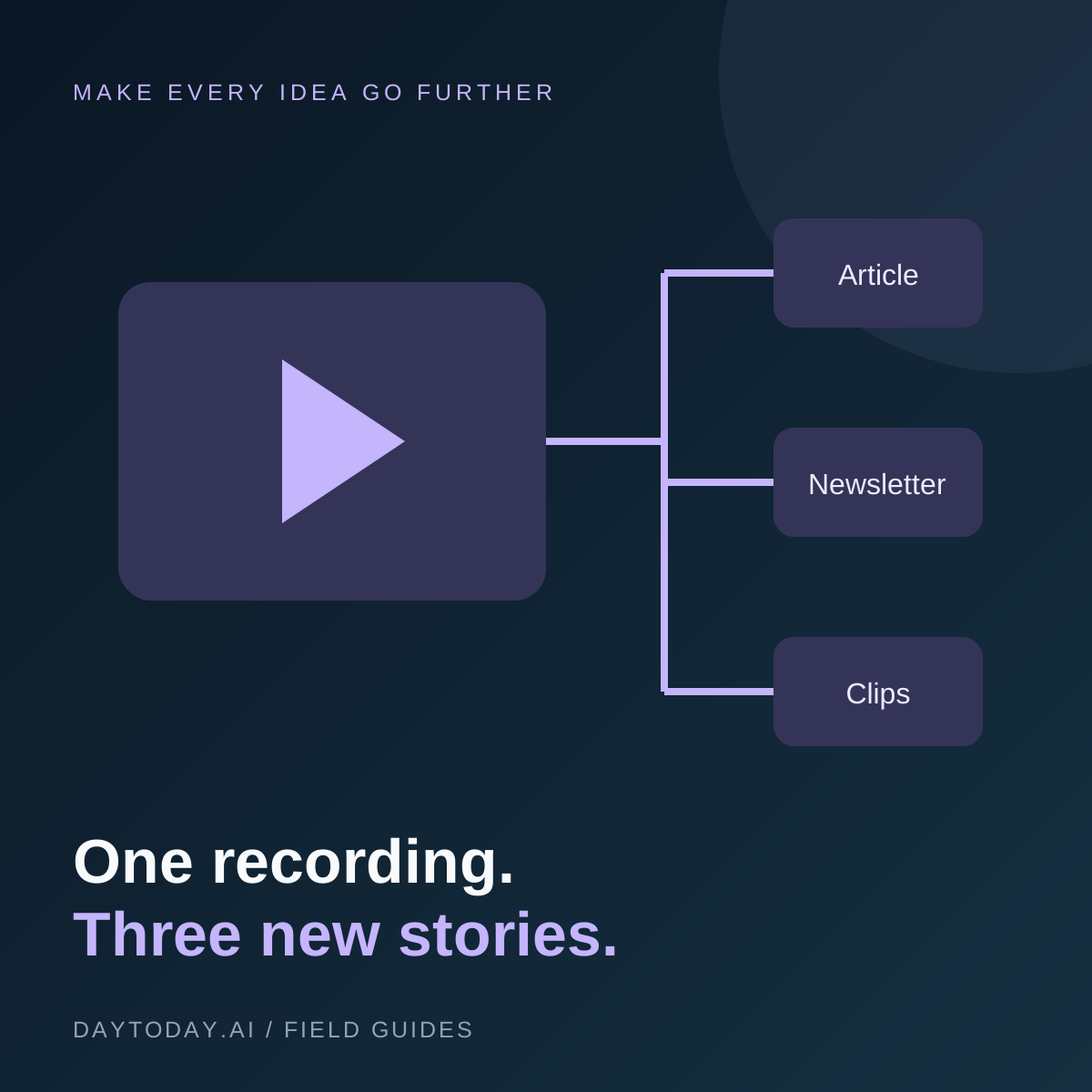
This workflow takes one recording you own or have permission to reuse and turns it into three different assets. The goal is to adapt the idea to each format, not publish the same paragraph everywhere.
Start with a Recording That Answers a Question
A product demonstration, interview, or tutorial is a better source than a vague company update. Pick the audience and the question first. For example, a tutorial about preparing customer onboarding emails could become an article explaining the process, an email sharing one lesson, and a short clip showing a specific mistake.
Confirm permission to reuse guest appearances and remove confidential details before sending a file to another service.
Step 1: Produce and Check the Transcript
Generate a transcript, then verify names, numbers, product terminology, and technical explanations against the recording. Mark unclear sections rather than silently filling gaps. Keep timestamps so you can return to the source.
Castmagic is an option to evaluate for this stage; its official documentation describes transcription and AI content workflows. Test a representative recording and check current upload limits before choosing a plan.
Step 2: Make a Source Map
Before drafting, collect the recording's central question, main answer, supporting examples, useful quotes, and unresolved points. Label statements that need outside verification. An interviewee's opinion should remain an attributed opinion rather than becoming an established fact.
Do not use AI to invent a customer result, testimonial, or missing statistic. If a detail is not supported, remove it or verify it independently.
Step 3: Write the Blog for a Reader
Organize the article around a specific question. Give the short answer near the beginning, then explain the steps and tradeoffs. Replace conversational repetition with clear headings and examples. Add context that a viewer might have seen on screen but a reader cannot.
Use a descriptive title and a concise summary. Link to relevant pages only where they help the reader. Search visibility depends on useful content, discoverability, and competition; repeating keywords is not a substitute for answering the question.
Step 4: Give the Newsletter One Useful Idea
Choose one takeaway rather than compressing the entire article. Open with the situation the reader recognizes, explain the lesson, and link to the full guide for the details. Check that the subject line makes a promise the email actually fulfills.
Draft in your normal voice. Remove generic introductions and inflated claims. A short, specific observation is often more useful than another long list of supposed game-changing tips.
Step 5: Select Clips That Stand Alone
Find moments with a complete thought: a question and answer, a concrete demonstration, or a clear mistake to avoid. Preserve context so the edit does not change the speaker's meaning. Check captions against the audio and frame the visual for its destination.
Explore VEED and InVideo as editing options in the directory. Compare them using the same source clip rather than assuming one tool is best for every format.
Review Before Publishing
- Confirm factual claims and quotations.
- Remove private information and check reuse permissions.
- Ensure each asset offers something useful on its own.
- Test links, captions, and mobile presentation.
- Use campaign links or your analytics to see which formats lead to meaningful visits.
Frequently Asked Questions
Should every video become an article?
No. A visual demonstration may work better as a video. Create an article when there is a clear reader question and enough substance to answer it.
Does AI repurposing guarantee more traffic?
No. It helps prepare material; audience fit, originality, distribution, and quality still determine whether people engage. Start with one recording and learn from the response.