The most useful AI automation usually starts with something boring: a form that needs sorting, a reply that needs drafting, or notes that need turning into tasks. You do not need an autonomous business. You need one dependable process that saves more effort than it creates.
This guide walks through five starting points for a small business. These are suggested workflows, not promises of time savings. Test each one against your own work before connecting it to customers.
What Should a Small Business Automate First?
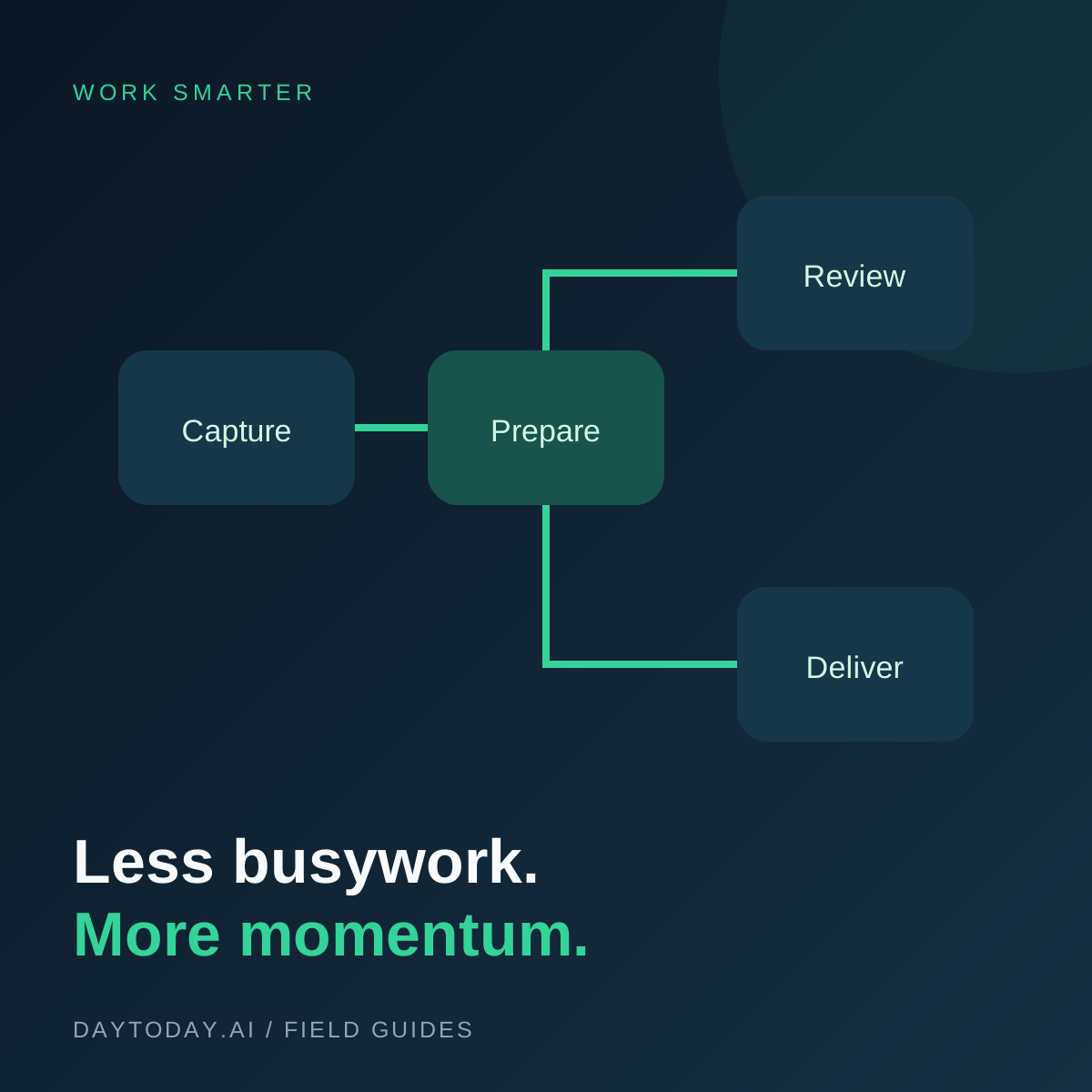
Choose work that happens often, has a clear input, and ends with an output you can check. Keep calculations and routing rules deterministic. Use AI for interpreting messy text or preparing a draft. A useful pattern is capture → organize → draft → approve → deliver.
1. Turn Inquiry Forms into Prepared Follow-Ups
Collect the customer's question, requested service, and preferred contact method. Validate required fields before asking AI to summarize the request. Assign a category from a fixed list, then prepare a reply using your approved service information.
Send the draft to a person first. Do not let a model invent availability, quotes, or delivery dates. Store the original request alongside the summary so the reviewer can catch missing details.
2. Sort Your Shared Inbox
Begin with three categories: existing customer, new inquiry, and everything else. Let AI suggest a category and a short summary. Keep messages in the inbox until someone approves the sorting behavior.
Use explicit rules for invoices, security alerts, and urgent complaints. An email is untrusted input; instructions inside it should never grant access to other records or trigger unrelated actions.
3. Prepare Meeting Follow-Ups
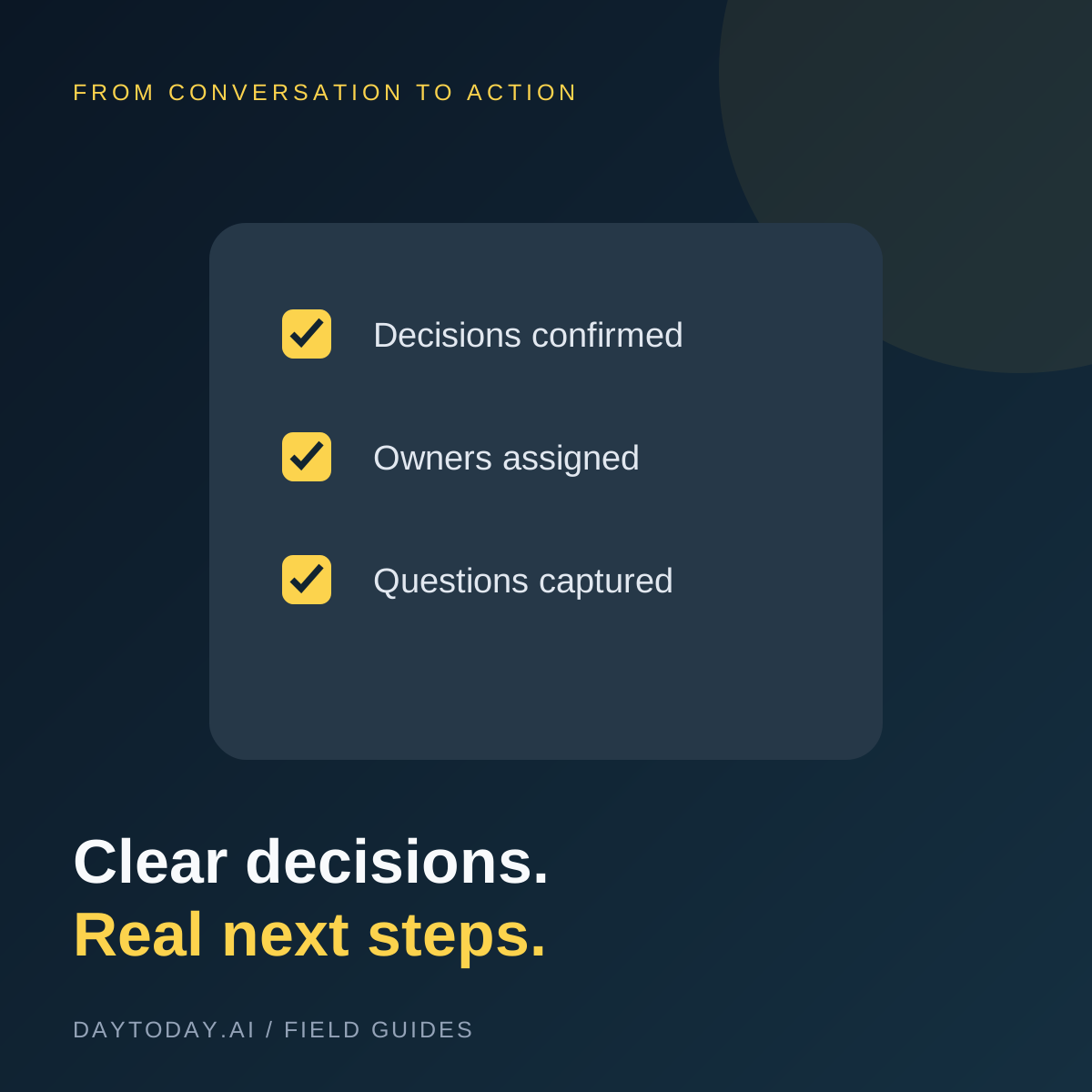
Use approved notes to extract decisions, open questions, and tasks. Require an owner and deadline only when the notes support them. Mark missing details as unassigned rather than guessing.
For a reusable format, see our AI meeting notes workflow. A person should confirm the task list before it enters your project board.
4. Draft Answers from Your Help Articles
Give the assistant a small set of maintained help pages. Have it include the source page for each proposed answer. If the material does not answer the question, route the conversation to a teammate.
Start with opening hours, setup instructions, and general service questions. Keep account changes and refunds outside the initial pilot. Our customer support chatbot checklist explains the testing process.
5. Assemble a Weekly Operations Digest
Pull totals from your existing systems, calculate them outside the model, and ask AI to draft a readable summary. Separate observed numbers from suggested explanations. A sales drop is a fact you can measure; the reason for it may still be unknown.
Choose Tools Around the Process
Explore n8n if you need to connect apps and review steps. Its official AI workflow overview describes human review controls. Check current integrations and plan limits before selecting a service. A workflow builder connects the steps; it does not replace permission design or testing.
A Simple First-Week Pilot
- Write down the manual process and measure a few examples.
- Test with synthetic or appropriately redacted inputs.
- Run the automation in draft-only mode.
- Record errors, review time, and the final outcome.
- Expand only when the output is consistently useful.
Include subscription costs, model usage, and maintenance in your comparison. If reviewing the output takes longer than doing the task, simplify the workflow.
Frequently Asked Questions
Do I need coding skills?
Visual builders can cover straightforward integrations. You still need to understand permissions, failure handling, and what each connected account can do.
Can AI send replies automatically?
It can be configured to, but draft-and-approve is a better starting point. Expand automation only for narrow cases you have tested and can reverse.