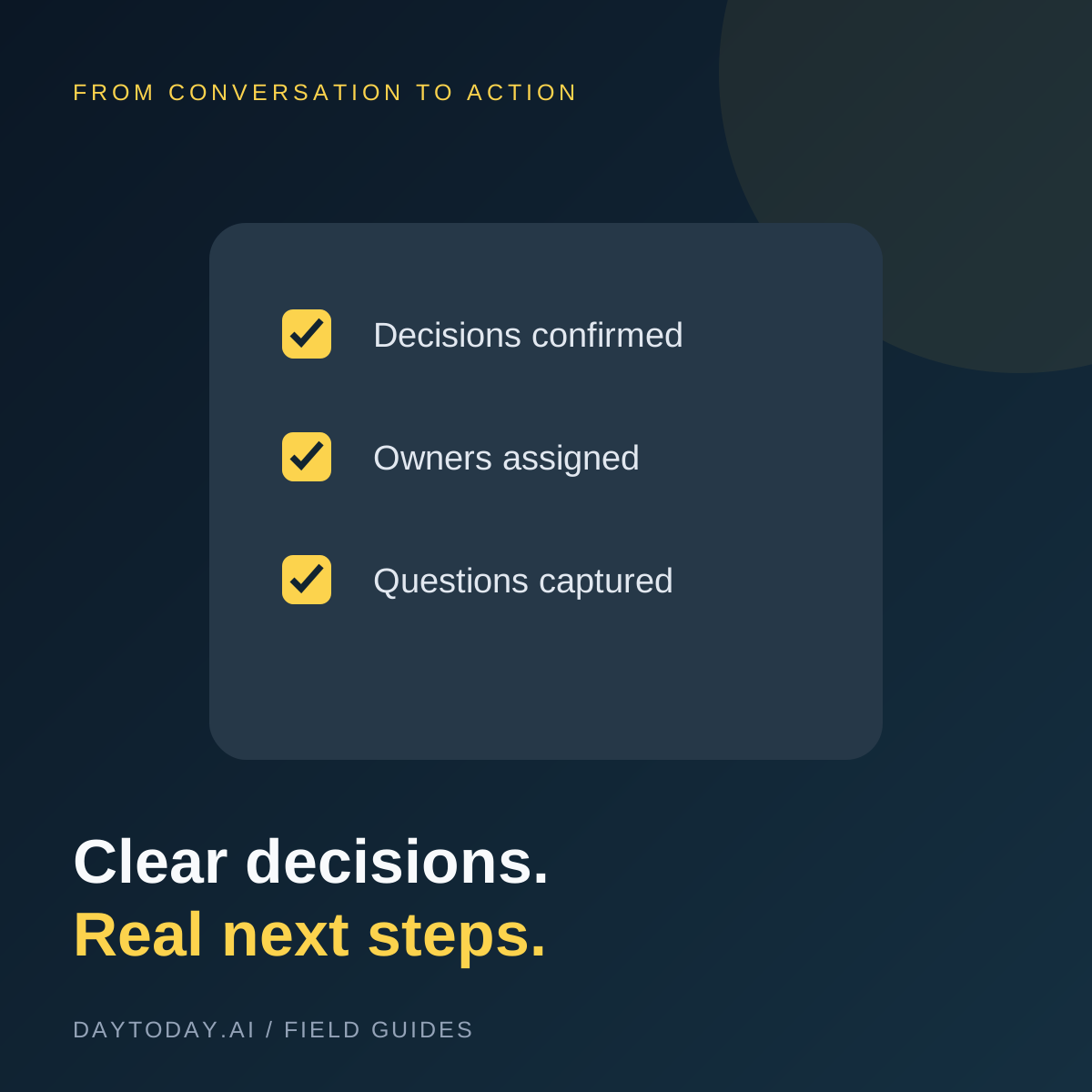
A meeting summary can read beautifully and still fail at its main job: telling people what happens next. The useful output is a short record of decisions, assigned work, and unanswered questions. Everything else supports that record.
This guide describes a tool-neutral process for using AI to prepare meeting notes. You can apply it to an approved transcript or to notes someone took manually.
Choose the Output Before the App
Decide where your team already tracks work. Meeting notes belong somewhere participants can find them, and confirmed tasks belong in the system people actually use. A separate AI dashboard is not useful if nobody returns to it.
Some meeting platforms include summaries. The Zoom Meeting Summary guide explains its summary feature, while Notion's meeting notes documentation describes its recording and processing workflow. Check eligibility, permissions, and retention settings for the service you choose.
Get Permission and Capture the Right Context
Follow your organization's recording policy and obtain the required participant consent. Explain what is captured, who will receive it, and where it will be stored. If recording is inappropriate, use human-written notes instead.
Provide the agenda and a participant list when appropriate. Do not include sensitive material just because it might improve a summary. Check whether a tool's default sharing reaches more people than you intended.
Separate Four Different Things
- Discussion: ideas and context that were considered.
- Decisions: choices participants actually agreed to.
- Action items: work someone explicitly accepted.
- Open questions: issues still needing an answer.
This distinction matters. 'We could launch on Friday' is a suggestion. It is not a confirmed launch date. 'Sam might investigate' is not the same as Sam accepting ownership.
Use a Source-Grounded Summary Request
Ask for a concise overview followed by the four categories above. Require a source timestamp or note reference for every decision and task. Tell the assistant to leave missing owners or deadlines unassigned and identify ambiguous statements for review.
For a task record, use the fields task, owner, due date, source, and confirmation status. If no date was agreed, write 'not agreed.' Avoid converting casual language into a calendar commitment without checking the context.
Review the High-Impact Details
Check names, dates, amounts, deliverables, and who agreed to do what. Listen to the relevant section when a transcript looks suspicious. Correct speaker attribution before distributing the notes.
Send participants a short draft with a clear way to flag errors. Once the owner confirms a task, add it to the project board and link back to the decision record. Avoid automatically assigning tasks from an unreviewed transcript.
A Practical Follow-Up Format
Start with a one-paragraph outcome. Follow with confirmed decisions, then tasks grouped by owner, and finish with unresolved questions. Link to supporting material with access controls that match the meeting.
For visual planning after the meeting, explore Miro. Treat a planning board as the next workspace, not as a substitute for an accurate source record. For app-to-app routing, see our small-business automation guide.
Measure Whether Notes Help
Track how much correction the draft needs and whether confirmed actions reach the right owners. Collect examples of missed decisions and invented commitments. Improve the template based on those failures before automating more of the process.
Frequently Asked Questions
Can AI meeting notes replace human notes?
They can prepare a draft, but someone should validate commitments and important details. Keep a human note-taker when the meeting requires a dependable formal record.
What if a participant does not want recording?
Use an appropriate alternative, such as agreed written notes, and follow the applicable meeting policy. Convenience is not a reason to bypass consent.