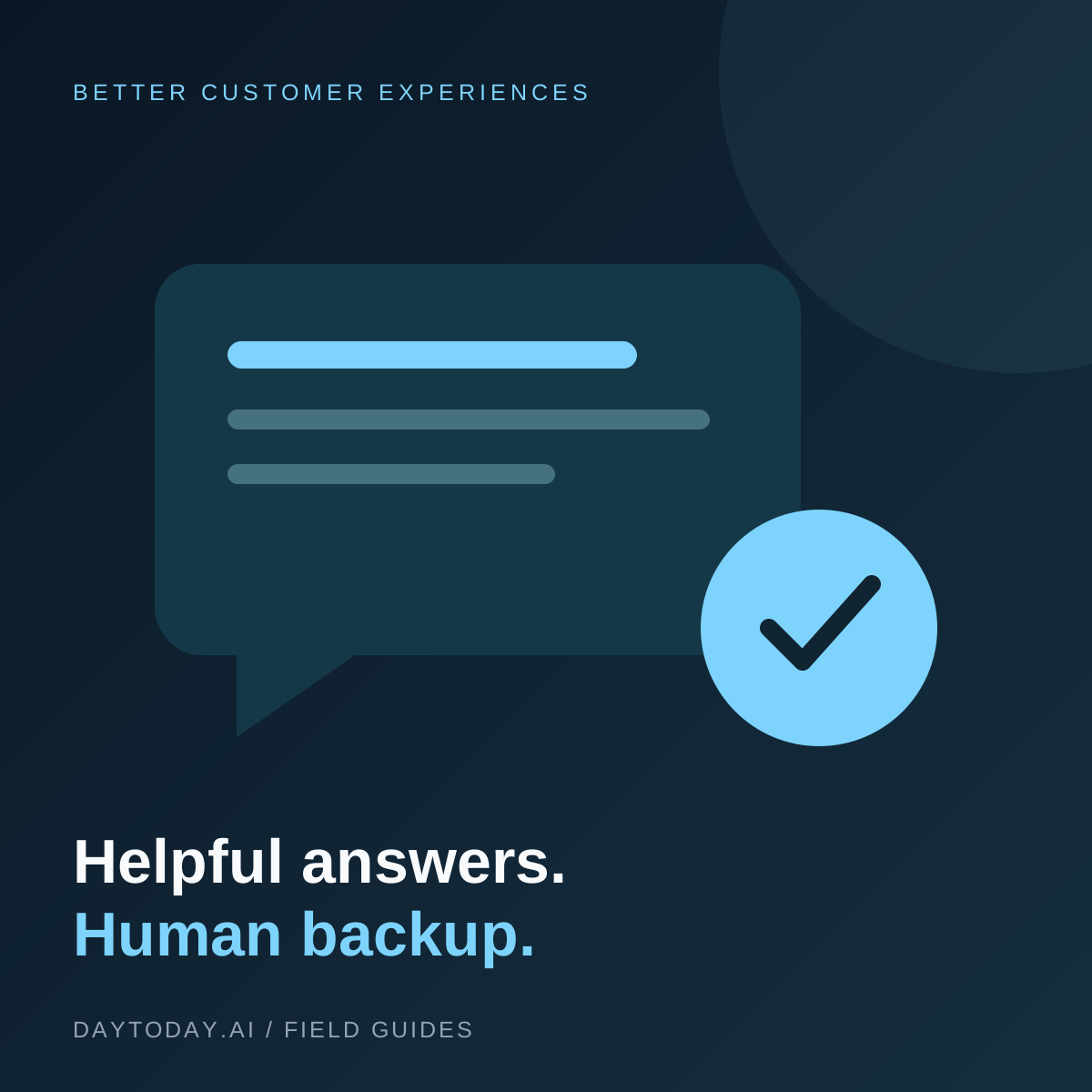
A support chatbot should make it easier to get an answer, not harder to reach a person. The challenge is rarely making it talk. The work is giving it accurate information, choosing what it can handle, and making sure a conversation can leave the bot when necessary.
Start with a limited pilot for general questions. This checklist is designed for a small business that already has a website and a person responsible for support.
Define the Job Before Choosing the Tool
List the questions you want the assistant to answer. Good starting points include setup instructions, business hours, and links to published policies. List exclusions too: account changes, payment disputes, exceptions to policy, and anything requiring access you have not explicitly designed.
A public FAQ assistant and an authenticated account assistant are different projects. Do not give a public chat widget access to private customer records just because both use the same platform.
Build a Small, Trustworthy Knowledge Base
Review your source pages before importing them. Remove expired promotions, contradictory delivery estimates, and duplicate instructions. Give each important policy an owner who will keep it current.
Write answers in the language customers actually use. A page titled 'How do I reset my password?' is more useful than an internal document called 'Identity recovery procedure.' Include exceptions and a link to the full policy.
Choose a Platform with a Real Handoff
Compare tools on knowledge management, team inbox access, handoff behavior, and the ability to inspect conversations. Our Tidio overview is one place to start. Tidio's official setup guide describes knowledge sources and human handoff settings. Verify current plan availability before buying.
Decide what happens outside working hours. The bot should explain the next step accurately, such as collecting a support request, rather than implying that someone is waiting online.
Test More Than the Easy Questions
Create a test set from anonymized real questions, or write synthetic examples if you have no support history. Include spelling mistakes, ambiguous requests, questions missing essential details, and topics the knowledge base does not cover.
- Can it point to the correct source?
- Does it ask a clarifying question when needed?
- Does it avoid inventing an exception?
- Can a customer request a person directly?
- Does the teammate receive the conversation context?
Also test attempts to make the bot ignore its role or reveal private information. Passing a few tests does not establish security, but obvious failures should block a launch.
Design the Human Handoff
Route unresolved questions to a named queue or owner. Include the customer's original words, attempted answer, relevant source, and unresolved issue. A handoff that loses context forces the customer to start again.
Keep a visible support link available outside the widget. An inaccessible or broken chat interface should not become the only route to help.
Launch in Stages and Review Outcomes
First let teammates test the widget. Next enable it for a limited scope and review the conversations. Measure helpful answers, repeated contacts, incorrect responses, and successful handoffs. A conversation ending is not proof that a problem was solved.
Review what data the vendor stores, who can access it, and how deletion works. Set your own retention expectations before collecting conversations.
Frequently Asked Questions
Can a chatbot replace our support inbox?
It can help with routine questions, but keep a staffed escalation route. Complex issues and policy exceptions need someone who can take responsibility.
How often should we update its knowledge?
Update sources whenever the underlying service changes. Review missed questions regularly and use them to improve the help pages, not just the bot's wording.
For the next step, see five small-business automation workflows that keep review and accountability in the process.