
Create Cinematic Presentations Faster With Prezi AI
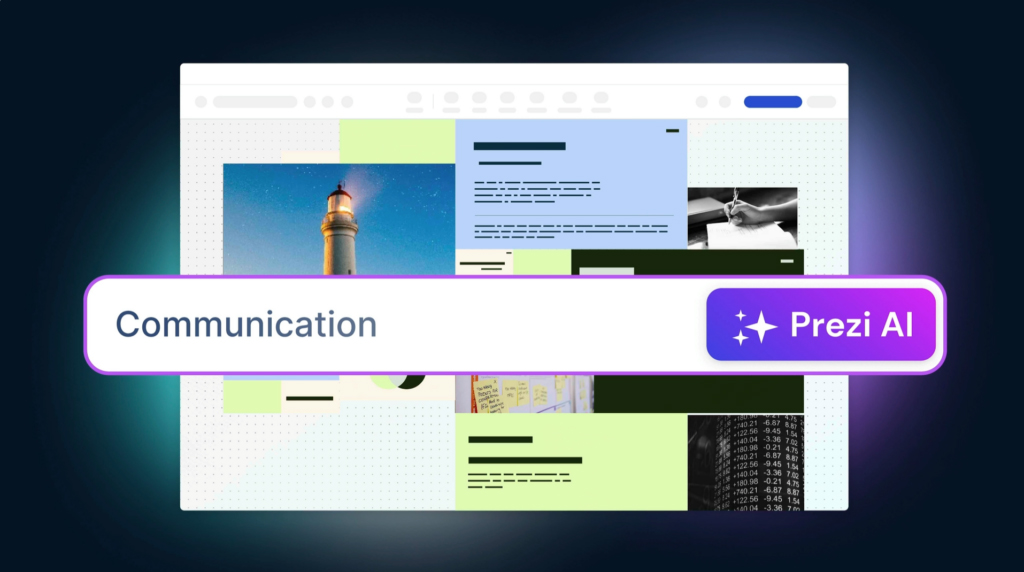
Prezi AI turns a prompt into a zooming, animated presentation. Describe your topic, audience, and goal, then let AI generate the outline, talking points, visuals, and presenter notes. You keep control—edit frames, adjust animations, and add your brand colors without starting from a blank slide.
How to Use Prezi AI (Step-by-Step)
- Describe your presentation: Topic, audience, and goal (pitch, report, lesson, webinar).
- Generate an outline: Prezi AI drafts sections, key points, and suggested visuals.
- Pick a style: Choose a theme, colors, and animation pacing to fit your brand and audience.
- Insert content: Add data points, media, and links; AI can draft headlines, bullets, and speaker notes.
- Refine frames: Adjust zoom paths, reorder frames, and emphasize key points with subtle motion.
- Share or export: Publish a share link, present live, or export to PowerPoint/PDF for handoffs.
Best Practices for Higher-Impact Decks
- Open with the core message and keep one CTA per deck.
- Use 3-5 supporting points per section—avoid dense text blocks.
- Match visuals to narrative beats; use zooming to highlight the “so what.”
- Align colors and typography with your brand kit for consistency.
- Add presenter notes so anyone on the team can deliver the deck.
Use Cases
- Sales decks and product demos that keep attention with motion.
- Marketing reports and campaign recaps with clear visual storytelling.
- Team all-hands and leadership updates with reusable sections.
- Classroom lessons and workshops with interactive pacing.
- Webinars and investor pitches that need to be memorable.
Integrations and Workflow Tips
- Import media from your drive or URLs; embed videos for product demos.
- Export to PowerPoint when stakeholders need a static file.
- Reuse sections and templates to keep future decks on-brand.
- Use presenter view with notes for smoother delivery.
Q&A
What is the best AI tool to create presentations fast? Prezi AI drafts outlines, visuals, and notes from a prompt, so you get a polished starting point quickly.
Can I export to PowerPoint? Yes, you can export to PPT or PDF for sharing while keeping Prezi’s animations in the live version.
Do I need design skills? No. Themes, animations, and layouts are handled for you—just review and tweak.
Skip the blank slide. Let Prezi AI draft it, then you tailor the story and deliver.